VERIFIED RELEASE BUILD
Audit Social Media Directly
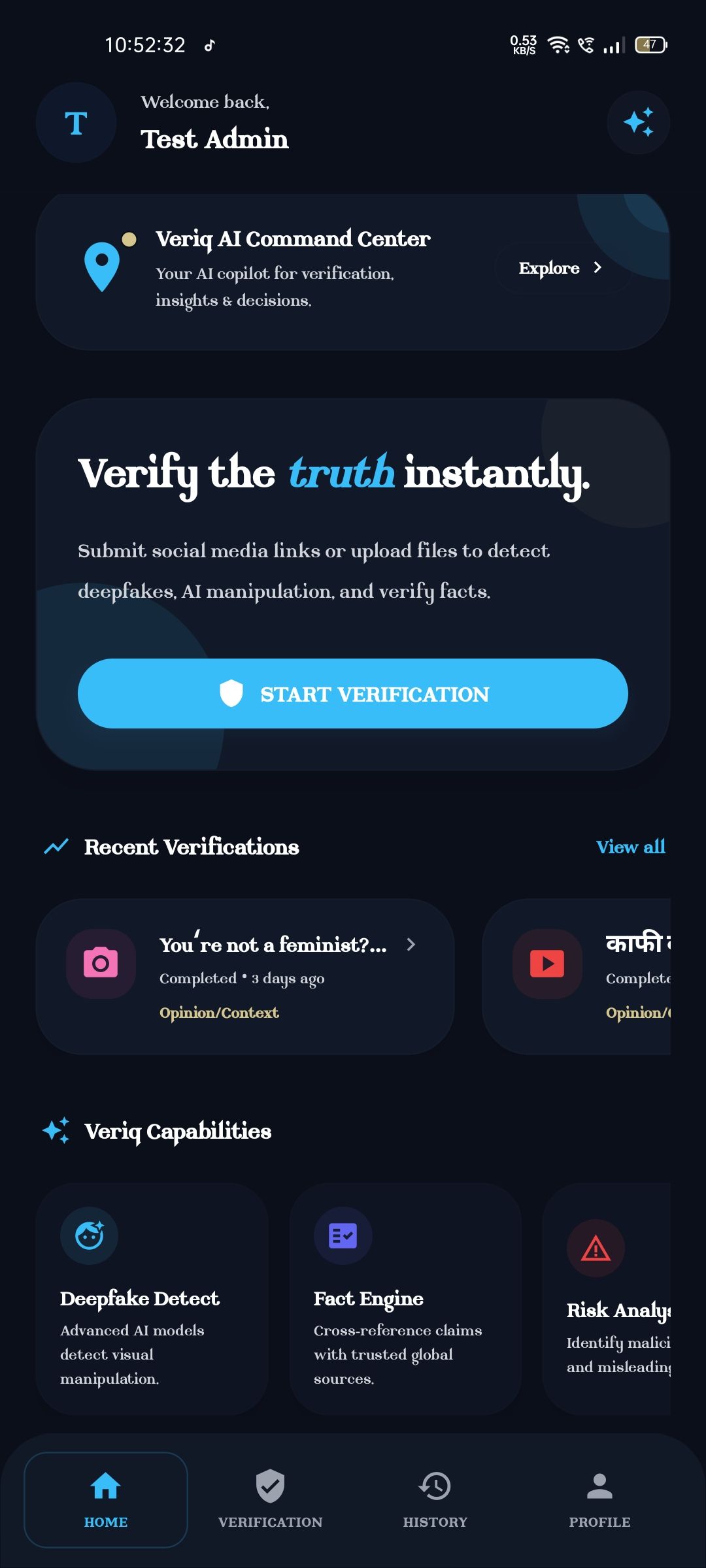
Download the Veriq mobile utility. Perform client-side audio extraction, bypass social CDNs, and inspect verification logs with zero data tracking.
TLS 1.3 TunnelEncrypted sync
Signed KeystoreTamper-proof
Verified StorageOfficial node
Installation Guide
01
Download APK File
Retrieve the secure package directly from our verified cloud storage node.
02
Enable Unknown Sources
Toggle 'Allow from this source' under Settings > Install Unknown Apps on your device settings.
03
Verify Hash & Install
Compare the downloaded file checksum against our security hash, and run the installer.
Build Release Log
BUILD 2606-AUpdates in v1.2.4
- Dynamic theme color mapping sync based on React Native device preferences (Sky Blue accent).
- Enhanced local sandboxed WebView extraction capability for YouTube Shorts and Instagram Reels to avoid bot blocklists.
- Social login flow integrated directly via secure credential frameworks.
Security Specifications
- Local on-device databases encrypted via secure keystore credentials to isolate verification logs history.
- Network communication routed exclusively over TLS 1.3 socket streams.